
Create each AMCAS letter entry before your writer sends the letter. The AMCAS Request ID generated at that moment, paired with your 8-digit AAMC ID, is the detail that matches a letter to your file. Give both numbers to every recommender before they upload anything. Send letters through the AAMC Letter Writer Portal for same-day receipt, or through Interfolio if your writer already uses it, but budget up to three business days for Interfolio to register. Check the Letters of Evaluation tab after processing to confirm each one landed correctly.
TL;DR:
- Choose the correct letter type from the start to ensure proper routing, as packets cannot be separated once received by AMCAS.
- Generate and verify each Request ID carefully, and keep a record to avoid mismatches or duplicate entries that can delay processing.
- Upload letters via the AAMC portal for instant confirmation or ask writers to submit early through Interfolio to account for longer processing times.
- Assign each letter specifically to your target schools to prevent sending evaluations to programs that do not participate in the AMCAS Letter Service.
- After submission, monitor the status actively, and use a tracking system to stay on top of deadlines, follow-ups, and to address any “Not Received” issues promptly.
Table of Contents
- Types of AMCAS Letters: Committee, Packet, or Individual
- How Do You Create a Letter Request in AMCAS?
- AAMC Letter Writer Portal vs. Interfolio: Which Is Faster?
- How Do You Assign Letters to Specific Medical Schools?
- What Happens to Letters After You Submit AMCAS?
- Troubleshooting: What to Do When a Letter Shows “Not Received”
- A Practical Timeline for Requesting and Tracking Letters
- Why Central Tracking Matters More Than Applicants Expect
- Track Every Letter Request Without the Guesswork
- Where to Verify Official AMCAS Letter Rules
- Sources
Types of AMCAS Letters: Committee, Packet, or Individual
AMCAS sorts every letter of evaluation into one of three categories, and picking the wrong one is how applicants accidentally send a private letter to schools that were never supposed to see it.
A Committee Letter comes from your school’s premed committee (or a dean’s office) and usually summarizes or bundles several evaluations into a single institutional letter. A Letter Packet is a compiled set of individual letters, often assembled by a career center or a service like Interfolio, and submitted as one file. An Individual Letter is a single letter from one writer, submitted on its own with no committee or packet wrapper around it.
Here’s the part that trips people up: each of these three types counts as exactly one letter entry in your AMCAS application, no matter how many individual documents live inside it. A Letter Packet with five letters stapled together still occupies a single entry slot and a single Request ID.
That matters because AMCAS treats packets as indivisible once they arrive. You cannot ask AMCAS to pull one letter out of a packet and route it to only three of your ten schools. If a school-specific letter needs to skip most of your list, don’t let it ride inside a packet at all.
- Committee Letter: one entry, one Request ID, typically sent to every school on your list unless you restrict it.
- Letter Packet: one entry covering multiple documents; all included letters go to whichever schools you assign the packet to.
- Individual Letter: one entry per writer, the only type that gives you real control over which specific schools receive that specific letter.
If you know in advance that a letter is meant for a narrower subset of programs, say a research-heavy letter meant only for your top three research-focused schools, enter it as an Individual Letter rather than folding it into a packet. Once a packet reaches AMCAS, there’s no unwinding it. Decide before your writer submits, not after.
How Do You Create a Letter Request in AMCAS?
Every letter starts the same way: you build the entry in AMCAS first, and the system hands you a Request ID that becomes the addressee on your writer’s envelope, so to speak.
- Open the Letters of Evaluation tab inside your AMCAS application and select the option to add a new letter entry.
- Choose the letter type (Committee, Packet, or Individual) based on what your writer is actually sending you.
- Enter the required applicant-side fields, which typically include the letter type, a description you’ll recognize later (like “Dr. Alvarez, Biochem Research”), and whether the letter is a Committee Letter or standard evaluation.
- Add the author’s information where AMCAS asks for it, including name, title, organization, and contact email. Some of these fields are optional depending on letter type, but filling them in fully cuts down on confusion for your writer.
- Generate and save the Letter Request Form (LRF), either by emailing it directly to your writer through AMCAS or downloading the PDF yourself and sending it manually.
- Confirm the LRF contains your correct AAMC ID and the new Request ID before it reaches your writer. Both numbers print automatically, but a quick check costs you thirty seconds and saves a mismatched letter later.
- Assign the letter to specific schools if it isn’t going to your entire list, using the assignment screen tied to that entry.
The LRF is the document your writer actually needs, not just a confirmation email. It carries the exact identifiers AMCAS uses to match an incoming file to your application, and a writer who doesn’t have it usually can’t submit correctly at all.
Three mistakes account for most letter problems applicants report. First, typos in a recommender’s email address, which sends the LRF nowhere and leaves the applicant assuming it was delivered. Second, duplicate entries created because an applicant forgot they’d already built a request for that same writer, which confuses both AMCAS and the recommender about which ID to use. Third, forgetting to assign the letter to any schools at all, which means the letter can sit in your account, fully received, without ever reaching a single admissions committee.
Pro Tip: Save a copy of every LRF you generate in a dedicated folder, named by writer, the day you create it. When a letter goes missing three months later, you’ll have the exact Request ID on hand instead of digging through old emails.
AAMC Letter Writer Portal vs. Interfolio: Which Is Faster?
Your writer has two ways to actually get a letter into AMCAS, and the gap between them is bigger than most applicants expect.
The AAMC Letter Writer Portal is AMCAS’s own upload system. A writer logs in, uploads the file, enters your AAMC ID and Request ID, and the letter shows as received immediately. There’s no queue, no processing lag, no waiting.
Interfolio works differently. It’s a third-party dossier service that many university career centers and premed offices already use to store and forward letters on a writer’s behalf. When a letter goes out through Interfolio to AMCAS, it can take up to three business days before AMCAS marks it as received, even though it left Interfolio’s system right away.
Both paths carry the same non-negotiable requirement: every letter, regardless of delivery method, must include your correct 8-digit AAMC ID and the AMCAS Request ID for that specific entry. There’s no exception for portal versus Interfolio, no shortcut where one ID substitutes for the other. Get either number wrong and the letter arrives orphaned, unmatched to your file.
Uploads through the AAMC Letter Writer Portal register the same day, while Interfolio deliveries take up to three business days to be marked received inside AMCAS.
File handling rules apply equally on both platforms. AMCAS rejects password-protected documents outright and enforces its own file-type and size limits, so a writer who locks a PDF for security reasons is unintentionally guaranteeing it never processes.
A few practical differences worth flagging for your writers:
- The AAMC portal gives instant confirmation, which makes it the better choice whenever you’re within two or three weeks of a deadline.
- Interfolio is often more convenient for writers who already have letters archived there for other purposes, like fellowship or grad school applications.
- When submitting a packet through Interfolio, the same AMCAS Request ID needs to appear on every letter compiled into that single packet, not a separate ID per letter.
- Password protection, even well-intentioned, is one of the most common reasons a letter never processes on either platform.
If your timeline has any flexibility at all, ask writers using Interfolio to submit a few days earlier than you’d otherwise request, simply to absorb that processing gap.
How Do You Assign Letters to Specific Medical Schools?
Creating a letter entry and getting it received is only half the job. You still have to tell AMCAS which schools should actually receive it.
- Open the assignment screen tied to each letter entry on the Letters of Evaluation tab.
- Select the specific schools for that letter, or choose to assign it to your entire school list if it’s a general-purpose evaluation.
- Repeat for every letter entry, since assignments are set per letter, not globally across your account.
- Cross-check the Medical School Summary screen, which shows you a school-by-school view of which letters are assigned where, before you submit.
- Confirm each target school actually participates in the AMCAS Letter Service, using MSAR or that school’s own admissions page, since not every program uses AMCAS’s letter routing.
One detail catches applicants off guard almost every cycle: AMCAS does not wait for all your letters to arrive before sending anything. Once your application is processed, letters get forwarded to their assigned schools as each one is received, individually, on a rolling basis. If two of your five letters land in week one, those two go out right away. You don’t need every recommender finished before you submit.
- Assign letters school by school, not as an afterthought after submission.
- Recheck assignments on both the Letters tab and the Summary screen, since they display slightly different views of the same data.
- If a school doesn’t use the AMCAS Letter Service at all, follow that school’s own submission instructions instead, since AMCAS routing simply won’t apply there.
- Verify participation through MSAR before assuming every school on your list handles letters the same way.
Some programs also cap how many letters they’ll accept or specify a preferred type, which is exactly the kind of detail MSAR exists to clarify before you lock in assignments.
What Happens to Letters After You Submit AMCAS?
Submission narrows your options considerably, and that’s by design. AMCAS treats the letters section as largely locked once your application is in the queue, which is exactly why accuracy beforehand matters more than most applicants assume going in.
You generally cannot delete an existing letter entry after submission. There are limited exceptions, mostly tied to specific circumstances AMCAS support handles case by case, but the default assumption should be that what you submit is what stays on file. What you can do is mark a letter as “No Longer Being Sent” in situations where a writer backs out or a letter becomes irrelevant, which removes the expectation that it’s still incoming without erasing the entry entirely.
Writers themselves have more flexibility than applicants do. If a recommender needs to correct or update a letter, they can re-upload a revised version using the same Request ID they were originally given. AMCAS then displays the newest version tied to that ID, replacing what was there before. This is often the cleanest fix for a factual error or an outdated reference a writer wants to revise.
- Applicants cannot generally delete a submitted letter entry outright.
- “No Longer Being Sent” is the correct status when a letter simply isn’t coming anymore.
- Writers can replace a letter by re-uploading under the identical Request ID, and AMCAS keeps only the latest version.
- Missing letters after processing should be reported to both the medical school and AMCAS support, Request ID in hand, rather than just one or the other.
Pro Tip: If a letter goes missing after your application processes, contact AMCAS support with the exact Request ID before you contact the school. Support can often tell you within a day whether the letter simply hasn’t arrived yet or was matched to the wrong entry, which saves you from emailing an admissions office about a problem that turns out to be on the AMCAS side.
Troubleshooting: What to Do When a Letter Shows “Not Received”
Most letter problems trace back to one of four causes, and working through them in order usually resolves the issue faster than guessing.
- Recheck the Request ID and AAMC ID on the original submission. A single transposed digit is the single most common reason a letter never matches to your file, and it’s the first thing to rule out.
- If a portal upload shows “Not Received” after 24 to 48 hours, ask your writer to confirm the file wasn’t password-protected and meets AMCAS’s file-type and size requirements, then have them attempt the upload again.
- If the letter went through Interfolio, give it the full three-business-day window before assuming something’s wrong. Escalate to AMCAS support only if that window passes and you’re within two weeks of a deadline.
- If a school received the wrong letter, ask that school’s admissions office to disregard it, then have your writer re-upload the correct file using the proper Request ID so the right document routes through cleanly.
Escalation timing matters more than most applicants realize. AMCAS support can move quickly on a genuine matching error, but only if you flag it with specifics, your Request ID, the writer’s name, and the approximate submission date, rather than a vague “my letter is missing” message.
A Practical Timeline for Requesting and Tracking Letters
The applicants who avoid letter chaos almost always share one habit: they treat letter requests like a project with milestones, not a favor they’ll get around to eventually.
Start requesting letters 8 to 12 weeks before your target AMCAS submission date. That window gives writers, especially busy faculty or physicians, enough runway to actually write something thoughtful instead of rushing a generic paragraph two days before your deadline. Send a follow-up reminder at the three-week mark if you haven’t heard back, and a second one at one week if the letter still isn’t showing as received.
Log every Request ID the moment you generate it, alongside the writer’s name, the delivery method they’re using, and the date you sent the LRF. Update that log each time a letter status changes, requested, sent, received, assigned, so you’re never trying to reconstruct the timeline from memory during a stressful week.
- Request letters 8 to 12 weeks out from your target submission date.
- Follow up at three weeks, then again at one week, if a letter hasn’t arrived.
- Verify received status on the Letters of Evaluation tab within a few days of your writer confirming they’ve submitted.
- Recheck school assignments before you finalize submission, not after.
| Milestone | Timing | Action |
|---|---|---|
| Initial request | 8-12 weeks before submission | Create entry, generate Request ID, send LRF |
| First follow-up | 3 weeks after request | Confirm writer’s chosen delivery method |
| Second follow-up | 1 week after request | Check portal or Interfolio status directly |
| Post-processing check | Within days of AMCAS processing | Verify received status and school assignments |
A tracker, whether it’s a spreadsheet you build yourself or a dedicated readiness platform, turns this from a mental juggling act into a checklist you can actually finish.
Why Central Tracking Matters More Than Applicants Expect
Most letter problems aren’t AAMC’s fault, and they aren’t really the writer’s fault either. They’re a record-keeping failure on the applicant’s side, a Request ID that got buried in an old email thread, a duplicate entry nobody caught, a follow-up that never happened because there was no system flagging it was overdue.
The letters section rewards structure more than any other part of the AMCAS application. There’s no partial credit for a well-written letter that never matches to your file because the Request ID got typed wrong. Accuracy before submission isn’t a nice-to-have here; it’s the entire game, since your ability to fix mistakes afterward is genuinely limited.
The fix isn’t complicated. Save every LRF the day you generate it. Confirm both ID numbers before a writer touches the file. Set calendar reminders instead of trusting yourself to remember which of six recommenders you haven’t followed up with yet. Applicants who build that habit early rarely end up emailing AMCAS support in a panic three weeks before a deadline.
— MedSchoolPilot
Track Every Letter Request Without the Guesswork
Chasing down six recommenders across spreadsheets, emails, and sticky notes is exactly the kind of friction that causes the mismatched Request IDs and missed follow-ups covered above. A comprehensive readiness platform can provide one dashboard where every letter request, its Request ID, its delivery method, and its status live next to application milestones, clinical hours, school list, and deadlines.
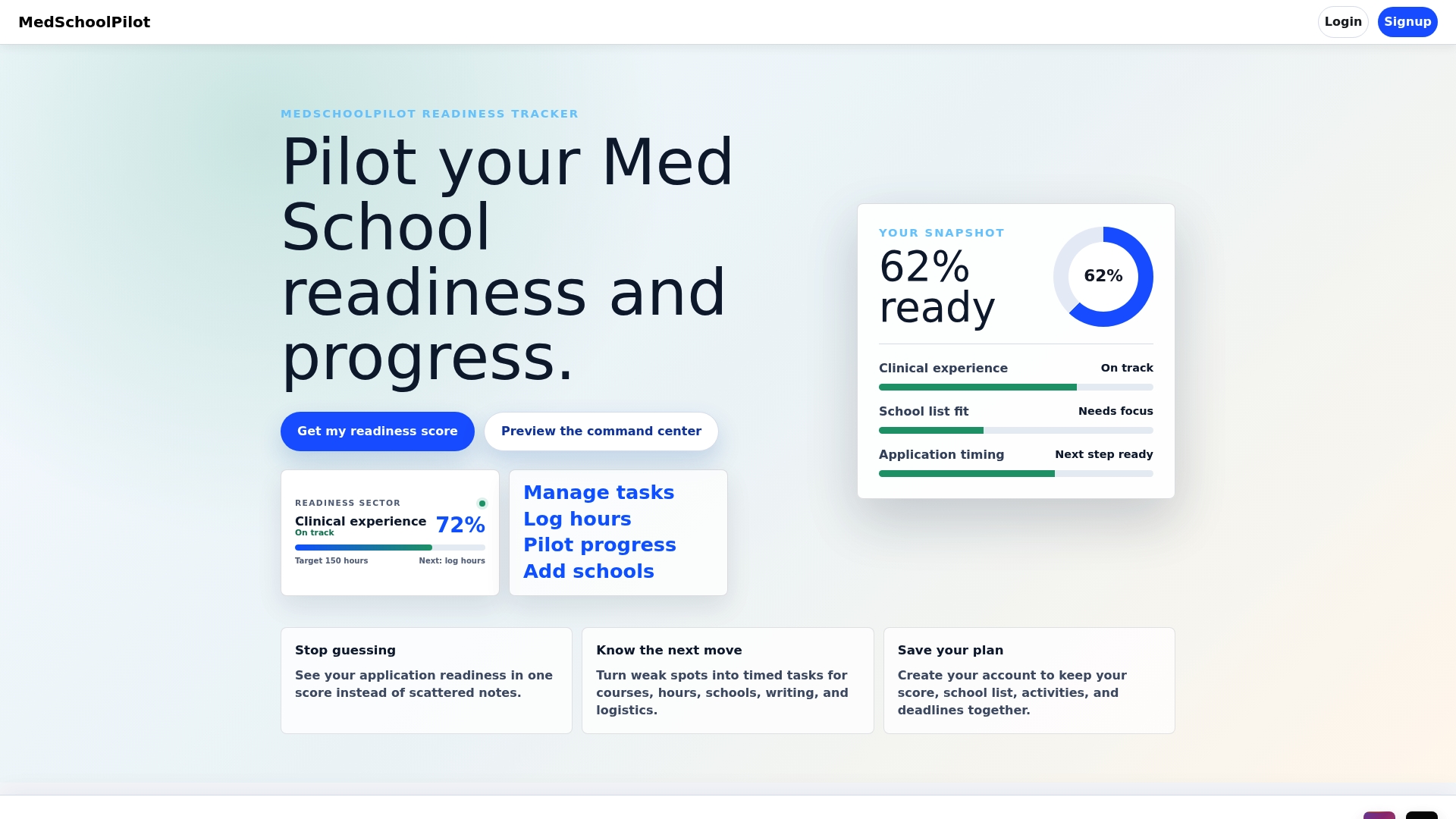
That single view matters because letter tracking rarely fails in isolation. It fails alongside forgotten deadlines and half-finished school research, which is why a readiness tracker can tie your letter follow-ups to the rest of your timeline instead of treating them as a separate task list. You can log each Request ID the day you generate it, set reminders at the three-week and one-week marks automatically, and check received status without digging back through old LRF emails. School-specific pages, like the one covering Michigan Medical School’s admissions requirements, sit right alongside your letter log, so you’re cross-checking assignments in the same place you’re planning your list.
If you’d rather manage this from your phone between rotations or classes, the Medschoolpilot iOS app puts the same tracker in your pocket. Start building your readiness dashboard today and turn your letter requests into a checklist instead of a worry.
Where to Verify Official AMCAS Letter Rules
- Section 6 of the AMCAS Application: Letters of Evaluation covers ID requirements and submission mechanics directly from AAMC.
- The AMCAS Letter Service page explains delivery methods and portal versus Interfolio timing.
- The Delivery Methods for Authors chapter walks through packet submission steps for writers.
- Contact AMCAS support directly, Request ID in hand, for any letter that shows unresolved status after processing.
- Use MSAR to confirm whether a specific school participates in the AMCAS Letter Service before finalizing assignments.